
 Mary Murphy
10 Free Trial Traps and How to Cancel Before You’re Charged

Free trials are supposed to feel like a no-risk test drive, but many are designed to roll quietly into paid plans when you’re distracted.
A single missed step can turn a “just browsing” moment into a charge you didn’t budget for, especially when cancellations are hidden behind confusing menus.
The good news is that most free trial traps are predictable once you know what to look for, and the fixes take only a few minutes.
In this guide, you’ll learn the most common ways subscriptions sneak past your radar and the exact moves that stop charges before they hit your account.
You’ll also get practical habits that make canceling easier next time, like saving screenshots, setting reminders, and checking which platform actually controls billing.
If you’ve ever paid for something you barely used, these tips can help you keep your money and still enjoy the free trial.
1. The “cancel anytime” that really means “cancel 24-48 hours early”

Plenty of services advertise flexibility, but their billing systems often start processing your payment before the trial officially ends.
That means canceling on the last day can still result in a charge, even if the countdown timer shows you still have time.
To avoid this, treat the end date like a deadline that arrives two days earlier than promised.
Put a reminder on your phone for 48 hours before the trial ends, and add a second reminder for 72 hours before as backup.
When you cancel, take screenshots of every confirmation screen, including the page that shows your plan is ending or set to expire.
If you receive a confirmation email, save it or star it so it’s easy to find later.
This simple buffer strategy prevents “early processing” surprises and gives you time to fix login issues.
2. App Store / Google Play subscriptions (you didn’t sign up where you think you did)
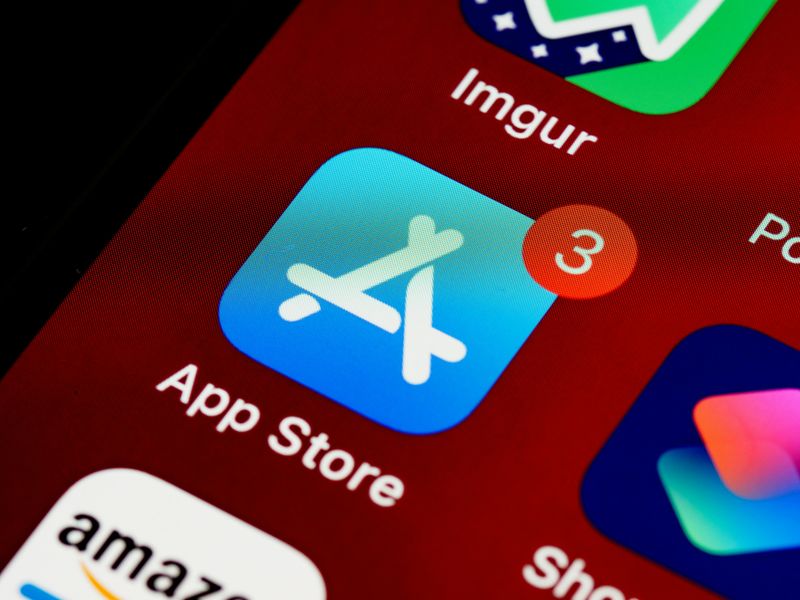
Many trials are started inside an app, which quietly routes your subscription through Apple or Google instead of the company’s website.
If you try to cancel on the brand’s site, you may see nothing to cancel, because the real billing is handled in your phone’s subscription settings.
To protect yourself, immediately check your device after starting the trial and confirm where the subscription lives.
On an iPhone, open Settings, tap your name, and go to Subscriptions to find the active trial and its renewal date.
On Android, open Google Play, go to Payments & subscriptions, and verify the plan is listed there.
After canceling, confirm the subscription shows an “expires on” date rather than disappearing in a way that leaves you unsure.
This one step stops the classic “I canceled, why am I still billed?” headache.
3. “Delete your account” doesn’t cancel the subscription

Some companies make it easy to delete an account but surprisingly hard to end the billing tied to that account.
People assume removing the app or closing the profile ends everything, yet charges can continue because subscriptions are managed separately.
Before you delete anything, go straight to the billing area and look for words like Membership, Plan, Subscription, or Renewal.
If you can’t find it quickly, search the site’s help center for “cancel subscription” and follow their official path.
After you cancel, keep the account active until you see clear proof the plan is canceled or scheduled to end.
A good sign is a status label such as “canceled,” “expires,” or “will not renew,” plus a visible end date.
Once you have that confirmation, then you can uninstall the app or delete the account with confidence.
4. The “pause” or “downgrade” button disguised as cancellation

Some cancellation screens are built like a maze, offering pause, discount, or downgrade options that sound like cancellation but aren’t.
You might click an appealing “pause for one month” button thinking the trial will stop, only to get billed when the pause ends.
Other times you’re nudged into a cheaper plan, which still renews automatically and keeps your card on file.
To avoid this trap, keep scanning for the specific wording that ends billing, such as “cancel subscription” or “end membership.”
Slow down on the final steps, because the true cancellation is often a smaller link buried under bright buttons.
After you finish, return to your account page to verify the plan now shows an end date and no auto-renew.
If you don’t see a status change, assume you are still enrolled and try again.
5. The “email us to cancel” or “call during business hours” obstacle

Some subscriptions rely on friction, because the harder it is to cancel, the more likely you’ll miss the cutoff.
When a company requires an email request or a phone call during limited hours, your schedule becomes part of their strategy.
The safest approach is to cancel as soon as you sign up, because most services still let you use the trial until the end date.
If you truly want to keep it active for now, send the cancellation email a few days early and save the sent message.
In your note, include the account email, the plan name, and a clear line stating you want to cancel before renewal.
If you must call, take a screenshot of your call log and write down the representative’s name and the time.
Documentation matters, because it gives you proof if you need to dispute a charge later.
6. The “free trial” that requires a card and charges for add-ons

A trial can be free while still triggering real charges for extras that are easy to miss at checkout.
Common culprits include shipping fees, setup costs, premium feature bundles, and add-ons that are preselected by default.
Before you tap Start Trial, slow down and read every line that lists today’s total, even if the headline says “$0.”
Look for small checkboxes and toggles that add “recommended” services, because those are often the fastest way to accidentally pay.
After you sign up, check your confirmation email or receipt and scan for line items that don’t match what you intended.
If you spot an add-on charge, remove it immediately in your settings or contact support right away while the transaction is fresh.
Using a quick “receipt audit” habit keeps surprise fees from turning a free trial into an expensive mistake.
7. Auto-renew turned on by default (and buried)
Trials often roll into a paid plan automatically, which is why “set it and forget it” is the most expensive approach.
Many services hide auto-renew inside account settings, counting on you to assume the trial ends on its own.
To stay safe, go to your billing settings right after you sign up and look specifically for a renewal toggle or plan status.
If you can turn off auto-renew without losing access, do it immediately and double-check the trial end date is still listed.
If the service won’t allow auto-renew to be disabled, cancellation right away is usually the better move, because access often remains until the end.
Once you finish, take a screenshot showing “will not renew” or “canceled,” plus a visible expiration date.
This routine makes the trial work for you instead of against your budget.
8. “Second trial” bait: reactivating restarts billing immediately
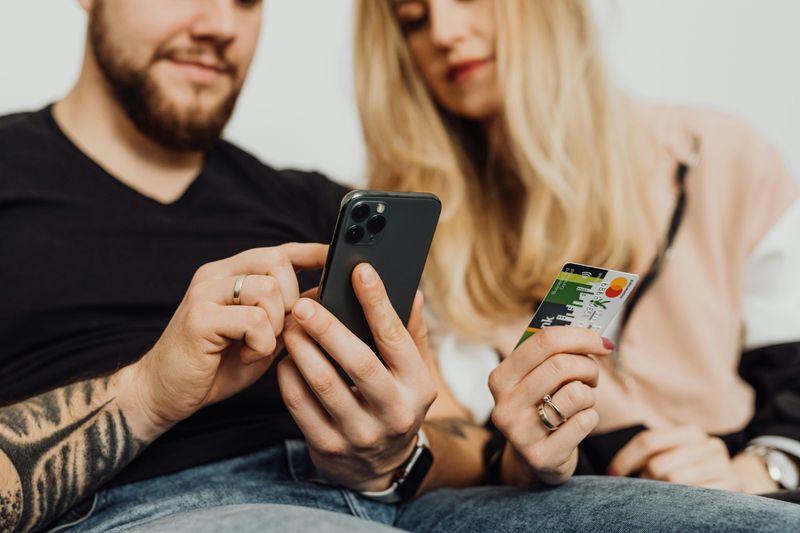
After canceling, you might later get a tempting offer to “come back” that looks like another free trial.
In reality, reactivating can trigger immediate billing, especially if you’ve already used the trial period once on that account.
Treat any “resume,” “restart,” or “reactivate” button like a purchase until you prove otherwise on the final checkout screen.
Before confirming, look for the exact wording that explains when you’ll be charged, including whether it’s today or at the end of a new cycle.
If the screen is vague, assume it will bill right away and back out until you can find clear terms in the plan details.
A smart strategy is to use a different service for comparison instead of assuming you’ll get a second free run.
This mindset prevents the surprise charge that arrives minutes after you click “welcome back.”
9. Hard-to-find trial end date (so you can’t plan)

Some companies make the end date difficult to locate, because uncertainty increases the odds you’ll forget to cancel.
If you don’t know the renewal day, you can’t set a reliable reminder, and that’s exactly how accidental charges happen.
Start by checking the confirmation email you received right after signing up, because it often contains the trial length and renewal date.
If the email is unclear, open your account billing page and look for an “next billing date” or “renews on” line.
When the trial was started through Apple or Google, the subscription screen on your phone usually shows the exact renewal date.
Once you find it, add a calendar reminder for two days before and another reminder one week before for extra safety.
Knowing the date is the foundation for every other cancellation strategy.
10. The “we’ll charge you annually after the trial” surprise
A trial can feel harmless until it converts into a yearly plan that pulls a large chunk of money at once.
Some services default to annual billing because the number looks smaller when shown as “per month,” even though the charge hits in one lump sum.
Before you sign up, look closely for the billing cadence and make sure you know whether you’re agreeing to monthly or annual renewal.
If you already enrolled, check your plan details immediately and see whether you can switch to monthly before the renewal date arrives.
When switching isn’t possible, cancel early and decide later whether the service is worth paying for, rather than getting cornered into a big charge.
Annual surprises are especially painful because they can overdraft accounts or throw off a tight budget in a single day.
Spotting the cadence upfront keeps a “free” trial from becoming a major expense.
Comments
Loading…